
Adventurer
2019
Game
Designed and developed a STEM educational programming game for children aged 4–8, combining interactive storytelling with programmed learning concepts. Through narrative-driven tasks and puzzle-solving gameplay, children learned foundational skills including spatial awareness, orientation, logical thinking, sequencing, repetition, and basic computational thinking.
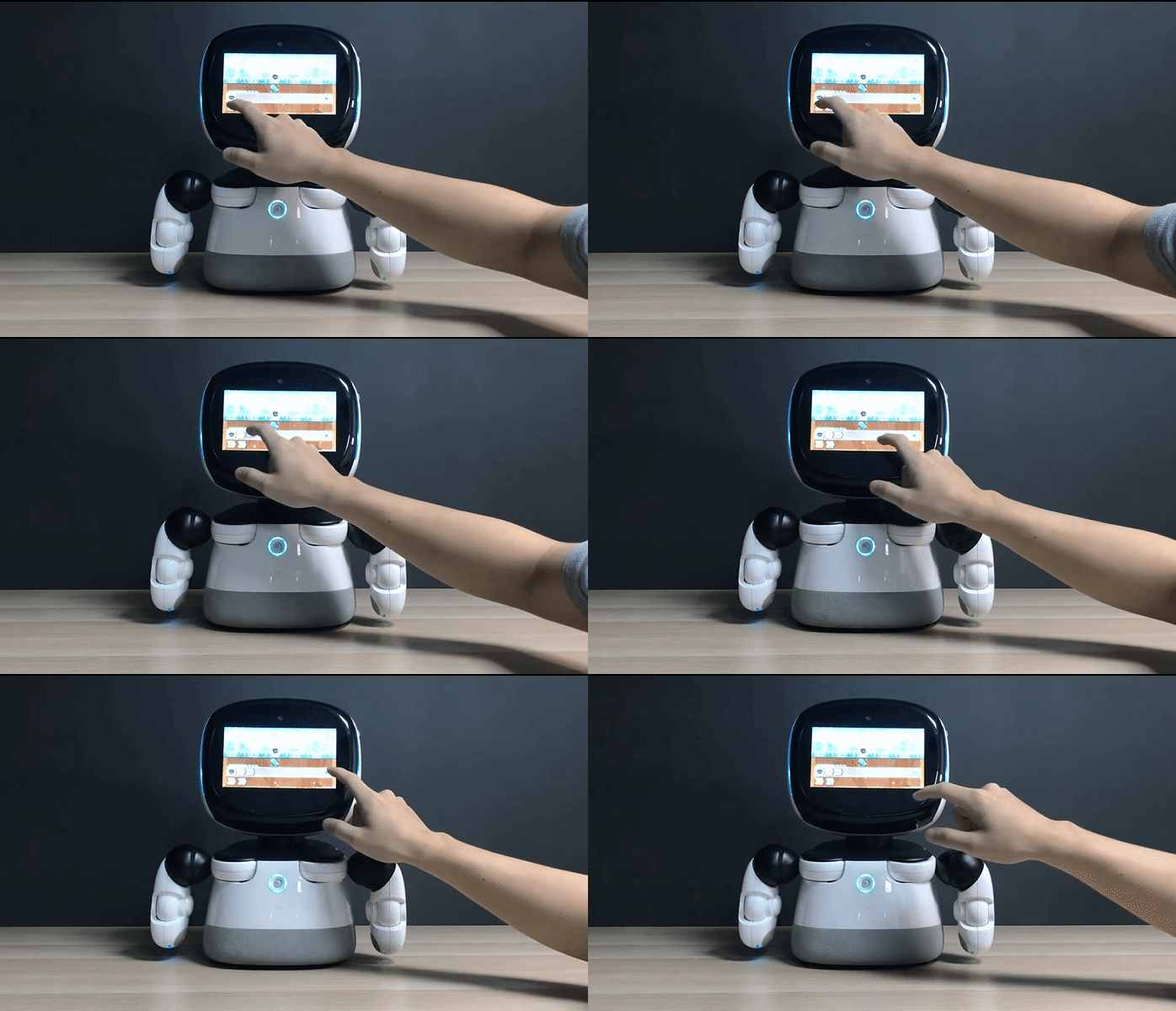
The game guided players to assemble visual programming blocks to control an on-screen robot and complete objectives, introducing core programming principles through experimentation and iterative problem-solving. In addition to STEM learning outcomes, the experience also emphasized empathy, emotional expression, and life education through character-driven storytelling and interactive scenarios.
To accelerate content production, I developed custom Unity Editor extensions — including a Map Tool, Animation Tool, and a real-time Google Sheets integration system powered by Google Apps Script — enabling artists and designers to rapidly create and iterate game content, resulting in the production of 18 playable levels within one month.
Role in the project: Software programmer
The game guided players to assemble visual programming blocks to control an on-screen robot and complete objectives, introducing core programming principles through experimentation and iterative problem-solving. In addition to STEM learning outcomes, the experience also emphasized empathy, emotional expression, and life education through character-driven storytelling and interactive scenarios.
To accelerate content production, I developed custom Unity Editor extensions — including a Map Tool, Animation Tool, and a real-time Google Sheets integration system powered by Google Apps Script — enabling artists and designers to rapidly create and iterate game content, resulting in the production of 18 playable levels within one month.
Role in the project: Software programmer


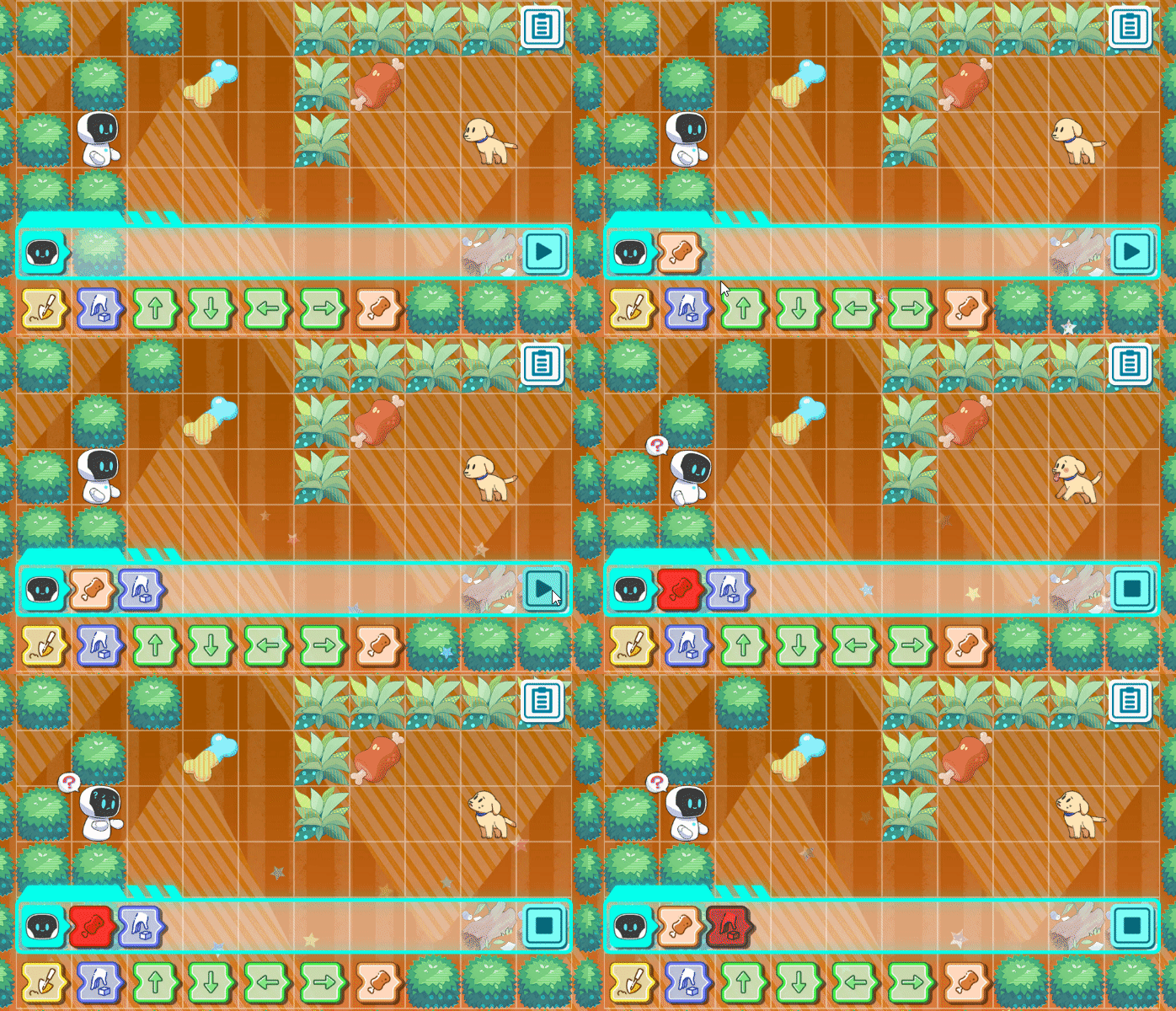


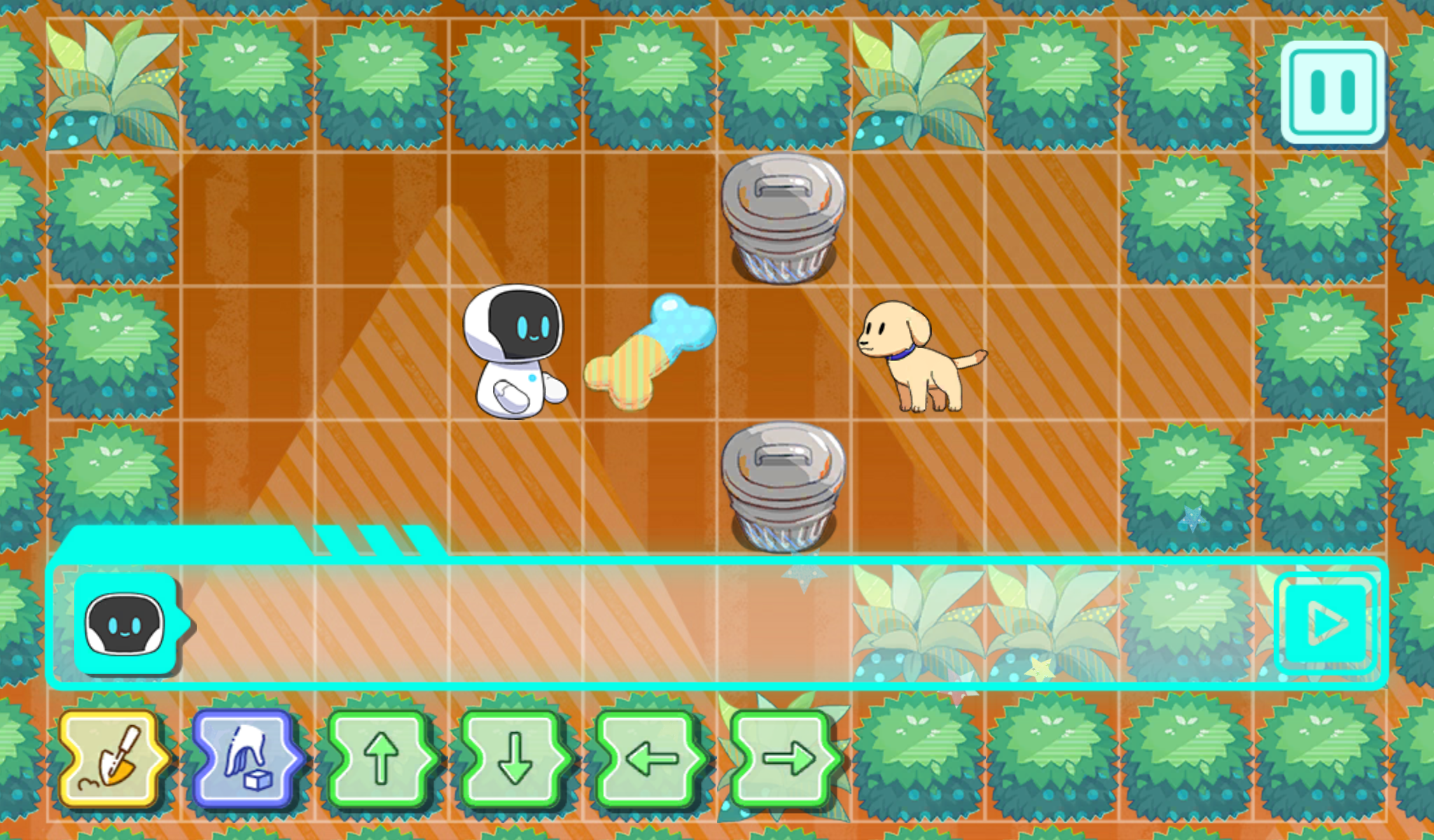




Blocks type:

Actual playing:




Animation tool
I write an animation switching tool to control robots. This tool is designed to quickly import a large number of character animations. There are 22 animations in the game . Each animation needs to have nodes connected to other animations. Using Unity's built-in animator to set the animation toggle would result in very complex node connections. This tool simplifies the animation process by eliminating the need for node connections for animation switching.
I write an animation switching tool to control robots. This tool is designed to quickly import a large number of character animations. There are 22 animations in the game . Each animation needs to have nodes connected to other animations. Using Unity's built-in animator to set the animation toggle would result in very complex node connections. This tool simplifies the animation process by eliminating the need for node connections for animation switching.

Map editor tool (Custom Map)
In order to speed up the production of game maps, I created a map editor tool for designer. The map editing tool can set the initial map settings such as character picture, character location, item types, item locations, status trigger grid, function box types, etc.
In order to speed up the production of game maps, I created a map editor tool for designer. The map editing tool can set the initial map settings such as character picture, character location, item types, item locations, status trigger grid, function box types, etc.


Unity Cloud-Data Synchronization Tool
This professional Unity tool streamlines the game balancing workflow by bridging Google Sheets and the Unity Editor via Google Apps Script (GAS). It allows for real-time data iteration without manual CSV exports.
Automated Workflow: Fetch live JSON data from Google Sheets and save it directly into Unity
Dynamic Configuration: Easily define Spreadsheet IDs, Sheet names, and specific columns (e.g., ID, Motion) through a dedicated ScriptableObject interface.
This professional Unity tool streamlines the game balancing workflow by bridging Google Sheets and the Unity Editor via Google Apps Script (GAS). It allows for real-time data iteration without manual CSV exports.
Resources for immediate use. other projects: